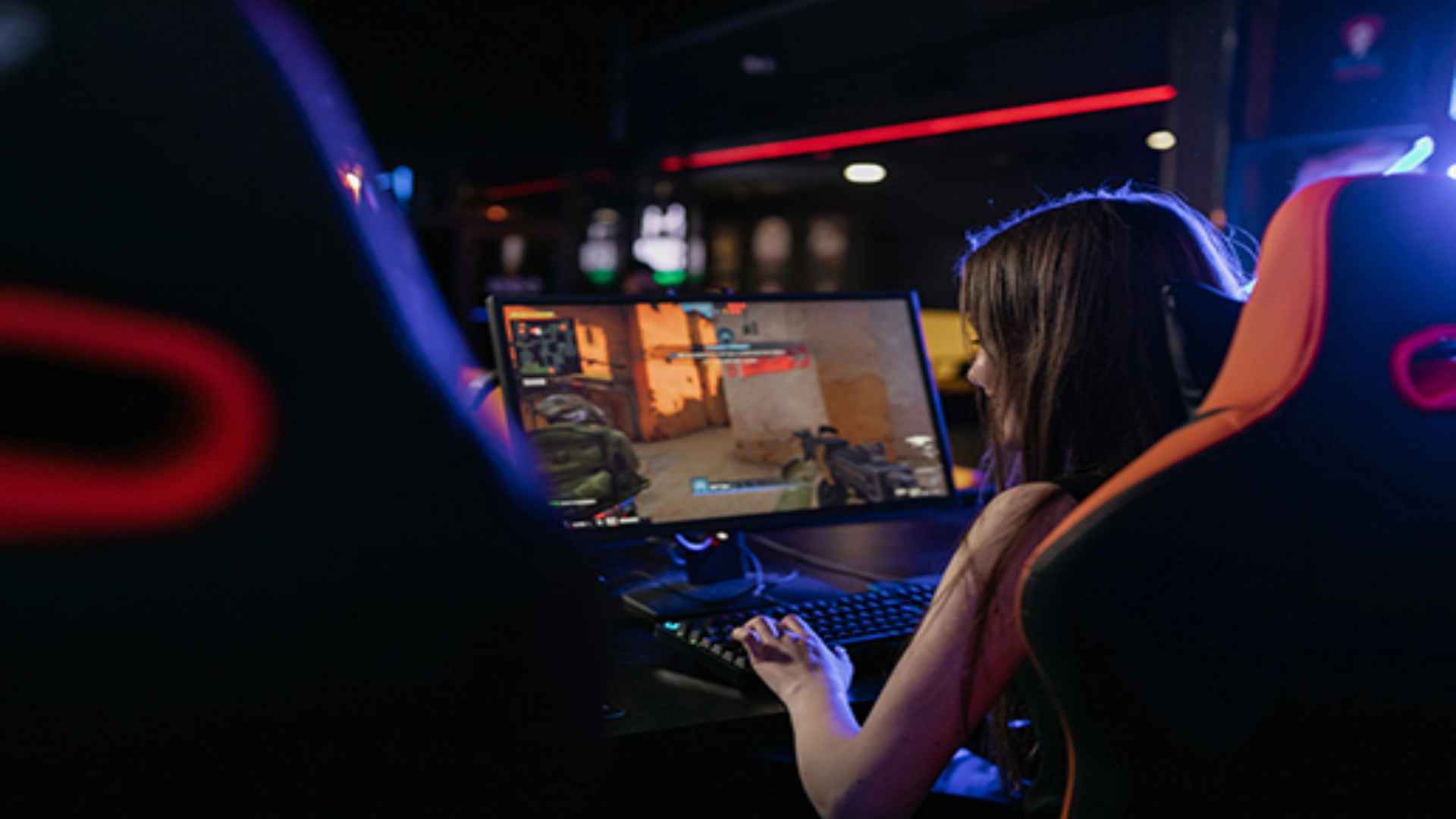
Gamers evaluating operating system updates often wonder whether Windows 11 provides a tangible advantage for modern PC gaming builds. Microsoft has integrated several dedicated gaming features into the operating system aimed at optimizing graphics rendering and system resource allocation. Understanding how these architectural changes translate to real-world performance, feature utilization, and backward compatibility helps players decide if upgrading is worthwhile.
Key Gaming Features in Windows 11
Windows 11 introduces hardware acceleration technologies designed to decrease asset loading times and improve overall visual presentation. Features such as DirectStorage allow compatible high-speed solid-state drives to transfer graphics assets directly to the graphics processing unit. This bypasses central processor bottlenecks, drastically reducing initial loading screens and texture popping in modern titles.
Another notable inclusion is Auto HDR, which enhances older DirectX 11 and DirectX 12 games by applying high dynamic range lighting automatically. This system dynamically expands colors and contrast levels without requiring native developer updates. Together, these background enhancements create a richer visual experience across both new releases and classic favorites.
Performance Benchmarks and Frame Rate Stability
When comparing system metrics, Windows 11 performs similarly to Windows 10 in most baseline gaming benchmarks. Modern hybrid processors benefit from improved task scheduling algorithms that distribute background tasks away from high-performance core clusters. This refined hardware coordination helps maintain consistent frame rates during intensive open-world gameplay sessions.
Memory management and windowed optimization settings also receive substantial stability enhancements within the updated system architecture. Gamers running windowed titles can access lower latency modes previously restricted to dedicated fullscreen applications. These adjustments reduce input delay and eliminate visual tearing during fast-paced competitive matches.
Legacy Compatibility and Hardware Requirements
A primary concern for PC enthusiasts is whether older digital gaming storefronts and legacy software continue to function smoothly. Windows 11 retains extensive backward compatibility for older 32-bit and 64-bit applications, allowing classic titles to launch without stability issues. Most legacy controllers, custom peripherals, and external audio interfaces retain full software support through updated driver protocols.
Security feature integration, including virtual machine platform layers and TPM 2.0 requirements, guarantees modern anti-cheat software compatibility. While these security protocols ensure fair online play, configuring them correctly prevents performance degradation. Players upgrading older machines should verify hardware component compliance prior to initiating installation steps.
Optimizing Windows 11 for Gaming Performance
Fine-tuning system preferences ensures that resources remain dedicated exclusively to active gaming processes during operation. Enabling the built-in Game Mode optimizes operating system priorities by temporarily halting background updates and non-essential tasks. Disabling unnecessary startup programs and overlay services frees up valuable system memory for demanding software.
Configuring display properties and updating graphics drivers consistently prevents performance hiccups across major game releases. Keeping variable refresh rate settings active prevents screen tearing while optimizing input response speed. These minor operational tweaks allow users to maximize their system potential without technical complications.